

In my initiative to protect my visual assets on my website from being downloaded I decided to go one step further.
I created a DMCA Protection BADGE. It’s very simple. Choose a badge, embed the code and then start monitoring.

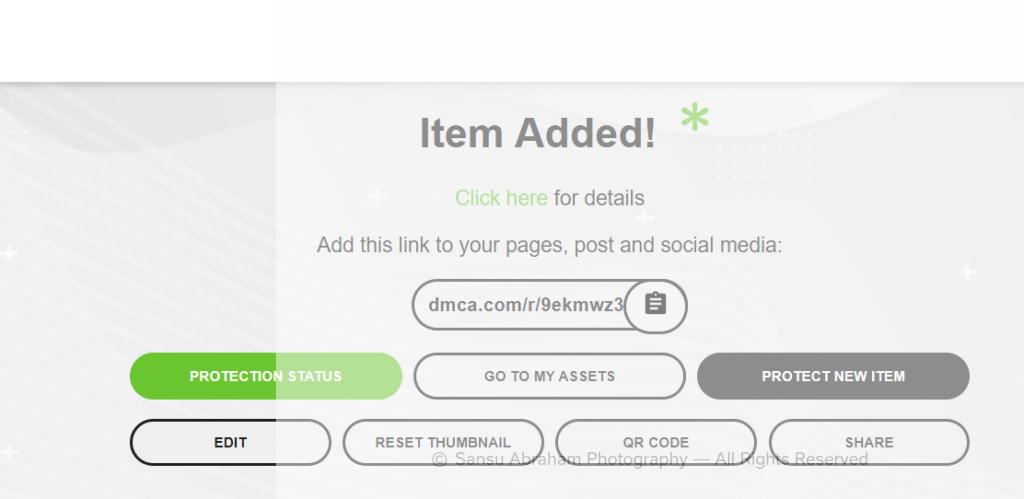
Here are a few simple steps to follow.
Steps to Add a DMCA Protection Badge
1. Create an Account
Go to: DMCA Signup and you can start with a free plan or a paid protection plan. The free version usually includes a basic protection badge.
2. Register Your Website
Add your website URL, for example: https://iclickstories.com/
DMCA will generate:
- a badge,
- verification code,
- and monitoring setup.
3. Choose a Badge Style
They provide different badge designs like:
- Protected
- Verified
- Monitored
Example: “DMCA Protected”
4. Copy the Badge Code
DMCA gives you an HTML snippet. It looks something like:
<a href="//www.dmca.com/Protection/Status.aspx?ID=b9ee1f11-fac5-48d0-9be1-9785a7b41571" title="DMCA.com Protection Status" class="dmca-badge"> <img src ="https://images.dmca.com/Badges/dmca_protected_sml_120n.png?ID=b9ee1f11-fac5-48d0-9be1-9785a7b41571" alt="DMCA.com Protection Status" /></a> <script src="https://images.dmca.com/Badges/DMCABadgeHelper.min.js"> </script>5. Add It to WordPress
Option A — Footer
In WordPress:
- Appearance
- Widgets
- Footer
- Custom HTML
Paste the code.
Option B — Elementor
- Add an HTML widget
- Paste the badge code
6. Publish & Verify
Once added:
- the badge appears on your website,
- clicking it shows protection status.
Important to Know
A DMCA badge does NOT completely stop image theft, but it discourages copying, and helps with copyright takedown requests.
It works best combined with:
watermarks,
disabled right-click,
lower-resolution previews.
For a photography website like I Click Stories, it adds a professional copyright-protection touch.
3. Start your free Monitor
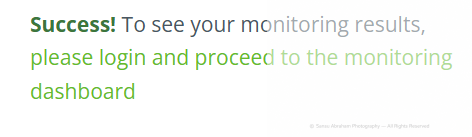
+Start a complimentary monitor to check for infringements on a regular basis. On clicking Get Started, you will get a success message.

In the end, what we have to realize is that our website is never theft-proof, yet we should, and we can do everything possible from our end.
This is what the dashboard looks like:
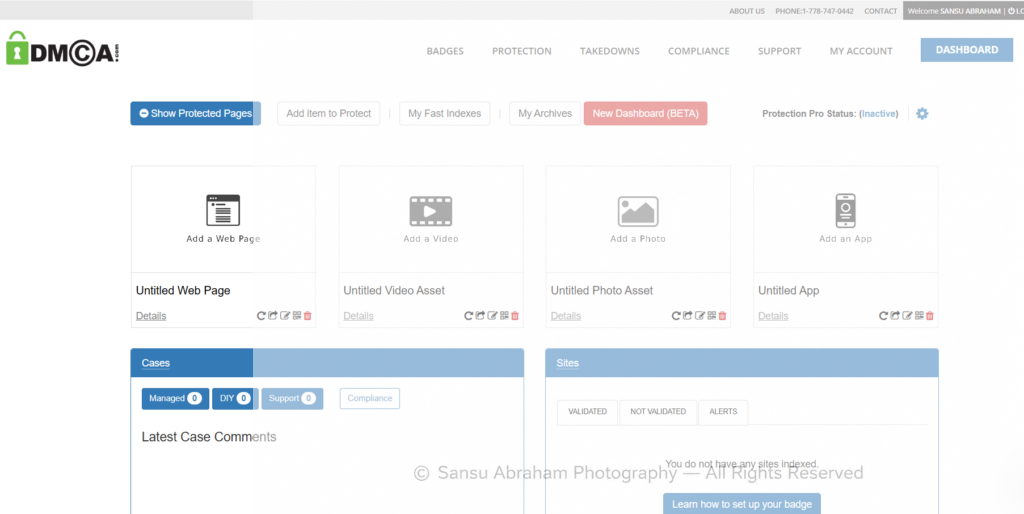
https://www.dmca.com/r/9ekmwz3
How Long Does It Take to Get My DMCA.com Website Certificate “Verified”?
“Verified” status occurs within 24 hours on a paid upgrade to the Protection Pro service. Often the status change occurs much faster. Complete site page protection coverage is also simultaneous. Every page on your site is instantly covered upon verification.

Leave a Reply